Teaching and Learning Gems


“Not another wiki” was a comment I heard recently while listening to a group of inspiring educators on Plurk Radio.  It was delivered in a tone which suggested this person had ‘done’ wikis ‘to death’ and was ready to move on.  It brought home to me the diverse range of skill, understanding and experience ‘out there’ amongst educators.

My reality is quite different.  Most of my colleagues have never created a wiki.  I’m sure there are many other teachers out there who don’t really have an understanding of wikis beyond wikipedia and have never really thought about classroom applications because they don’t really ‘get it.’

The power of the wiki

I think wikis have huge potential in the classroom.  They are fantastic tools for sharing information and building knowledge.  They are also versatile presentation vehicles.  Indeed,  the list of things I have learned from my current wiki experiment grows daily and highlights the learning possibilities for students.

What I have learned…(so far)

  • How to embed a webpage into a wiki:  Thanks to the Getting Tricky With Wikis wiki!  This makes web pages more accessible and user-friendly, both important considerations for students.
  • How to access and use databases such as Press Display to facilitate students’ learning.  Many large local libraries probably subscribe to this database.  Mine does (CCLC) but you have to be a member to access it.  I used this to add a newspaper article, including tasks, to my wiki.
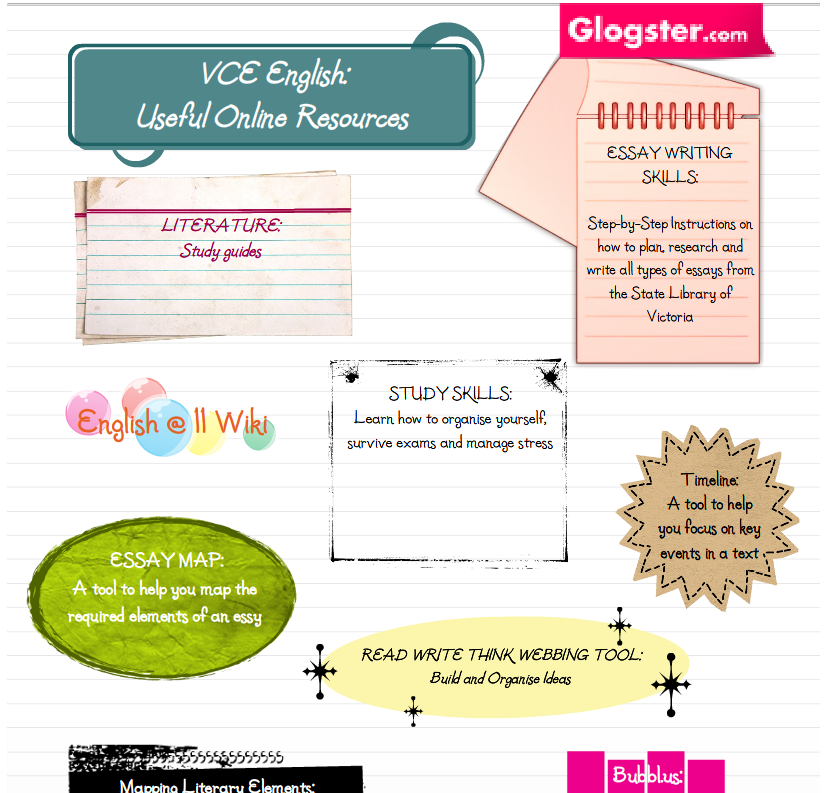
  • How to use Glogster to build the Useful Online Resources page in my wiki.  This provided a vibrant, visually appealling vehicle to highlight learning tools available to students.  (I can’t draw so this sort of creativity is really important to me.)
  • Read Write Think provides an excellent array of graphic organizers.
  • Internet Archive is an excellent resource for educators.  I found some useful public domain audio books here and added them to my wiki so that students can access them for our theme study, ‘Future Worlds’
  • The State Library of Victoria’s, Ergo site is an amazing resource that is going to prove very useful over the years.  A visit to the essay writing skills page is a must for teachers and students everywhere.
  • How to embed an audio file into a wiki:  This proved to be the trickiest!  Thanks to a twitterer I discovered Divshare and worked out how to do the embedding myself (with a little help from an edublogger post, of course!).

Now, that’s a lot of learning for one little wiki!  Hopefully, my students will gain as much from their own wiki experience in the 2009 school year.

I would love to hear from others with positive wiki experiences.  Please share a link.

Useful Online Resources using Glogster

Just a quick post to share my webquest project with you all…

Earth 2.0:  Is it possible to create a completely sustainable planet?

The best bits about my work on this project:

1. Pageflakes: Using pageflakes as the Webquest Headquarters was a stroke of genius (If I do say so myself!!!) Pageflakes is a great tool for educators: it is flexible, easy to use, vibrant in appearance and the range of widgets available is outstanding!

2. Teamwork: I worked with a colleague to produce this webquest and had far too much fun as a result, mainly because we were able to laugh at ourselves during several ‘manic’ Earth 2.0 moments.  We could have kept going but we had to stop to meet the competition deadline!  (Mark is already talking about our next project.)

An interesting note:  Neither of us had time to take on this projectif you’re an educator there is never enough time! How did it happen then?  We became passionate about the learning, the project and the notion of Earth 2.0.  Discussions led to action; engagement in the task led to refinement and development of ideas and activities. In short, the project became fun for us.  We reacted the way we want our students to react to a new learning task.  There’s a lesson in that for everyone.

3. Local and Global Feedback: We gained valuable insights into the project by asking our students to review it for us.  They thought it would be improved by games so we added games!  I used Classtools, one of my favourites, to put together some simple games based on the sustainability theme and also added the Planet Green Game.  I then asked my PLN via Plurk and Twitter for objective advice.  My  Plurk buddies provided me with some excellent feedback that I acted on straight away. The Plurk eduverse is really something else…I highly recommend you become part of it!

4. Web 2.0:  The possibilities are endless!  2.0 tools help make learning fun and provide teachers with ways to actively engage and challenge students.  In addition to the suite of tools available on Pageflakes we also found wetpaint wiki simple to use and loved our voki characters.  I used Big Huge Labs to create the Earth 2.0 trading cards and EduPic, graphical resources for educators, for the images.

Is it possible to create a completely sustainable planet?

Inspired by the amazing ideas and thinking generated at the recent ELH conference I decided to ‘experiment’ with my PLN and begin a collaborative slideshow. (They’re a lively bunch ready for any challenge!)

I wanted to build something for my work colleagues to illustrate the power of the group and show the potential for us all to save time and energy when we work together. At the same time I wanted to encourage reflective thought and build something members of my PLN could also share with colleagues as appropriate.

PLN Power:

The ‘PLN Reflections’ slideshow below is the result of my experiment. It’s powerful stuff; creative and inspirational. Achieved in a matter of days, across several time zones and without any drama, it is a small taste of what can be done. However, the best part is not the slideshow itself but the interactions and enthusiasm that occurred behind the scenes, particular in plurk. I’m already hatching plans for a ‘We are the Children’ equivalent…watch this space!

I recently had an epiphany…the ‘sudden intuitive leap of understanding’ kind NOT the ‘manifestation of divine being’ kind. (In case you were wondering!)

I was at a conference being totally inspired by the thinking and ideas I heard there. (Expanding Learning Horizons in Lorne) Lots of inspiration, lots of great thinking, lots of new tools, lots (and lots) of talk! (Particularly impressed with Sheryl Nussbaum-Beach and encourage all to check out her wiki)

As I pondered people’s willingness to share their ideas and material with us I considered my own workplace and the many other snippets, experiences and ideas I’ve collected on my own learning journey. That’s when I had my ‘Ah Ha’ moment and everything fell into place:

Essential truths about educational change:

  • Education needs to change with the times (Der!)
  • Change is not about adopting the latest and greatest tools it is about passion and reflective practice.

  • Organizational culture is real and needs to be acknowledged and dealt with for real change to occur in schools.Mindsets do need to change and this is not always easy
  • Teachers need to work in teams to build professional learning communities. These shared experiences will help to bring about change.

  • Teachers must build a Professional Learning Network: such groups inspire, encourage and focus thinking.
  • Professional Relationships are important.

  • Teachers need to share their ideas and materials. Professional dialogue needs to be open and reflective.
  • Teacher’s teaching is very personal and important to them and this is why change can be difficult.
  • Best practice is not a ‘one size fits all’ model: best practice is really what’s best for your students and your school.
  • It is important to highlight and build on strengths and positives rather than focus on the negatives and what is not being done.
  • Learning new tools, working within teams, building meaningful curriculum and assessment, reflecting on teaching and learning, adopting new strategies more appropriate to 21st Century learners (etc, etc) is not ‘more work’; it is our work!

  • ‘Change by Stealth’ has its place and can be used to change practice and, ultimately, thinking.
  • It’s all about passion and vision!

Now what?

Time to actually do something!!!

Connect with a colleague; Start a blog or reflective journal to build skills and understanding; Suggest an innovative program at your school; Form a team; Challenge thinking; Start to build a professional learning network; Share material with a colleague (even when you don’t expect anything in return); Publish your stuff on a wiki and invite others to share; Do something differently and, Consider the possibilities…

Where\'s the passion?

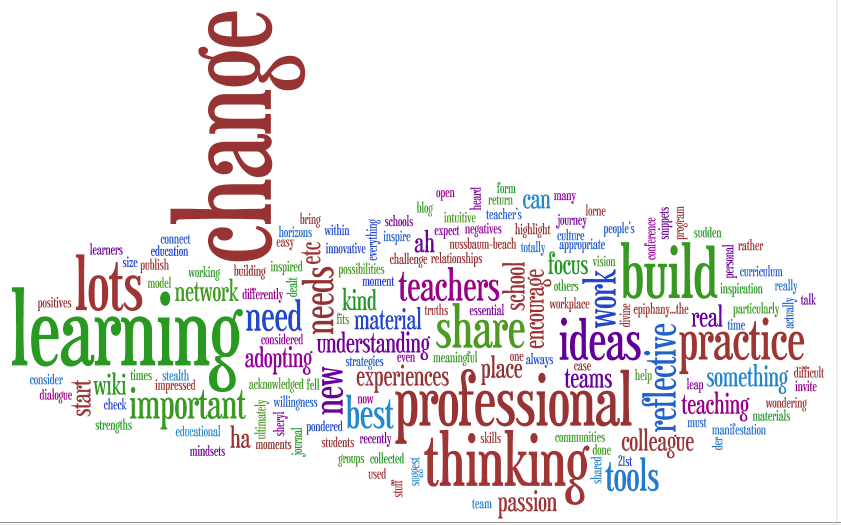
The visual power of words:

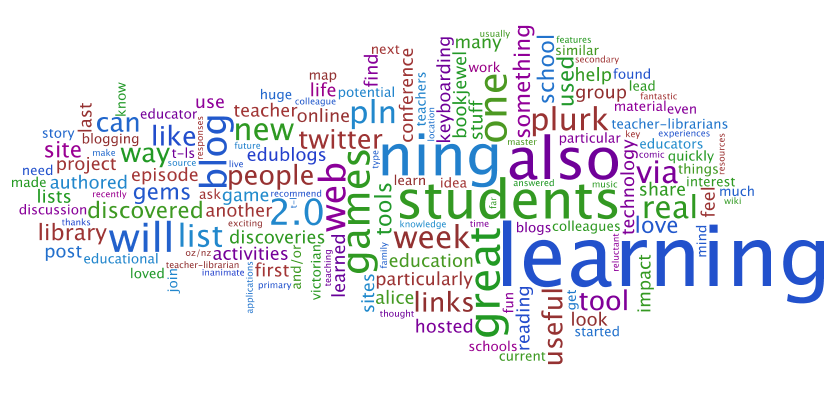
Wordle is a cool little tool that makes word clouds from writing or web pages ‘fed’ to it. It is a great way to discover a focus in any piece of writing. The words used most often are larger so it is easy to determine which words, ideas and concepts are important. My blog wordle:

Wordle Analysis:

Analysing text via word clouds might be a useful tool for students compiling a resume, essay or poetry. It instantly reveals central points and might also show overused words that can make writing dull and flat.

I was happy to see that my ‘Learning Gems’ blog focuses on ‘learning’ and ‘students’ but surprised to see how often I’d mentioned Ning. I must enjoy the collaborative and social nature of learning a lot without realising it!

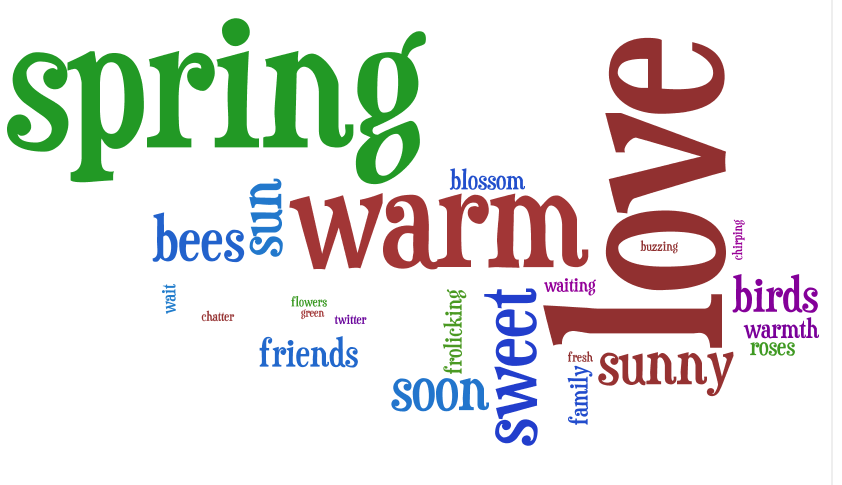
Wordle poetry

Wordle also lends itself to the quick easy creation of visually appealing poetry and other creative writing. My wordle poem on spring captures many of my thoughts on my favourite season:

Last month on Twitter I had to ask what ‘PLN’ meant…I felt like a real twit doing so and said as much in a tweet. I was inundated with people who A, answered my question, a PLN is a personal learning network, and B, insisted there was no such thing as a silly question. Such responses have typified my experiences since.

For me, so far, my PLN provides (mainly) access to information of interest to me as an educator. I join the Nings they suggest, click on the links they recommend, read their blogs and wikis and follow them on plurk and twitter. Because their interests are similar to mine (education; technology; learning) I usually find their recommendations worth pursuing.

One week with my PLN

Last week my experiences were particularly varied and rich. I ‘spoke’ to people attending the NECC conference in San Antonio. One educator, catzpyjamasnz, used plurk to live blog several sessions. She also provided links to a glogster poster on elearning which caused me to revisit this cool tool for another look.

Later, I caught up with the concluding keynote address, thanks to coolcatteacher’s live blogging, and discovered further sites of interest:

http://www.mamamedia.com/ a site for children to learn “technological fluency” via games and other engaging activities. I also found another project to watch, The World Wide Workshop: http://www.worldwideworkshop.org/ . It is committed to developing open source social media technology to enhance learning. I subscribed to the newsletter.

There was a real sense of learning excitement associated with these ‘events’. Although I didn’t feel like I was actually there, I did feel involved in the learning.

New Discoveries:

My PLN also steered me in the direction of these sites. Links I have stored away for future reference and which will help improve my teaching and learning:

Web 2.0 fun stuff: http://www.go2web20.net/ I love these sorts of lists and this one is a very thorough and reliable source of web2.0 tools. Soon, I will explore each one in turn and sign up for those that look useful.

As a twitter user I was also interested to hear about, http://www.tweetdeck.com/beta/ a tool that promises to improve the current functionality of twitter (a timely beta given the current appeal of plurk!)

Games: I discovered a new video game of interest at http://fas.org/immuneattack/ and also learned how to play ‘Set Puzzle’ http://www.setgame.com/puzzle/set.htm thanks to one of my plurk buddies. (Educational gaming is a particular passion of mine). Another game I learned about via plurk was scrabulous http://www.scrabulous.com/ . I played my first game last week and loved it!

Like-minded online colleagues

Being able to communicate online with people who share my ideas and interests is a huge bonus. They are usually experiencing a similar journey and can advise me. For example, this week a PLN ‘colleague’ sent me clear instructions on how to embed Youtube in PowerPoint via email after a discussion on plurk. Also during the week my PLN offered me advice on a blog makeover, discussed the educational uses of plurk and participated in a storytelling exercise.

I have mentioned in a previous post how useful I find the links provided by oz/nz educators group on diigo. Last week I revisited a comic generator site I discovered via this group: http://www.makebeliefscomix.com/ and made a comic strip:


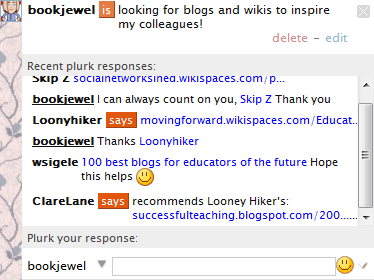
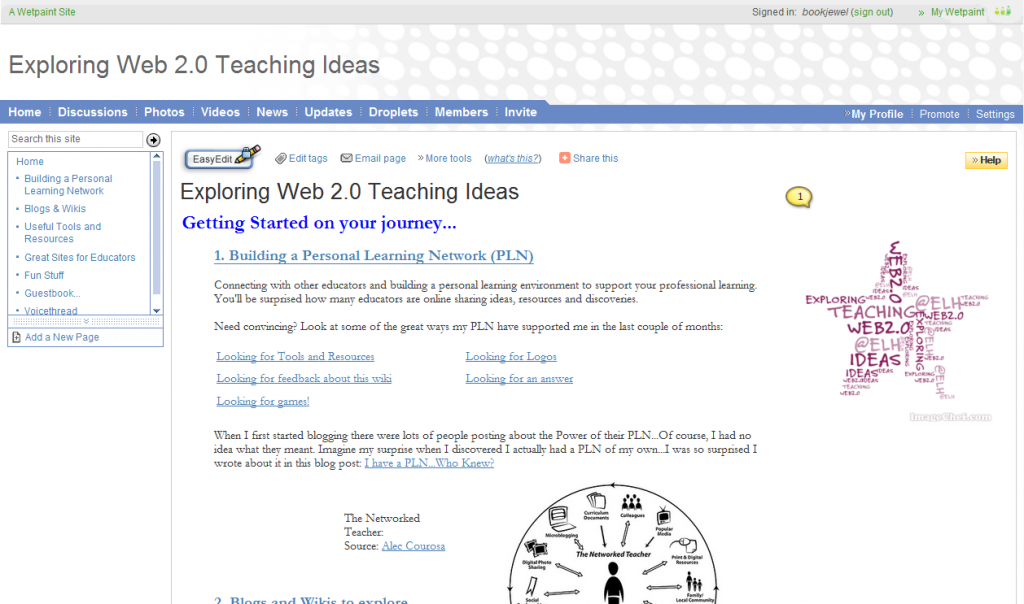
While many people ask their PLNs for specific information I find I get a huge response when I simply talk about a project I’m planning or an idea. People are keen to share their knowledge and experience. Recently I mentioned I was planning a teacher session on using wikis and blogs and got 3 immediate responses from a twitter pal who included some great links:

http://del.icio.us/rosefirerising/web2.0+students

http://coolcatteacher.blogspot.com/

http://del.icio.us/rosefirerising/web2.0+teaching+wikis

Each of these discoveries will impact on my personal learning in some way. I guess the best part about each of them is that they occurred around my family and work life. PLNs are Learning Gems…I highly recommend you build one of your own soon!